01 — TELEGRAM-FIRST
Open the product where you already communicate.
No separate app-store journey. Every main action leads directly to the Telegram assistant.
TradeLoom Assistant brings LoomVision, Standard Signals, guided learning, AutoPilot controls and performance tracking into one mobile-first Telegram experience.
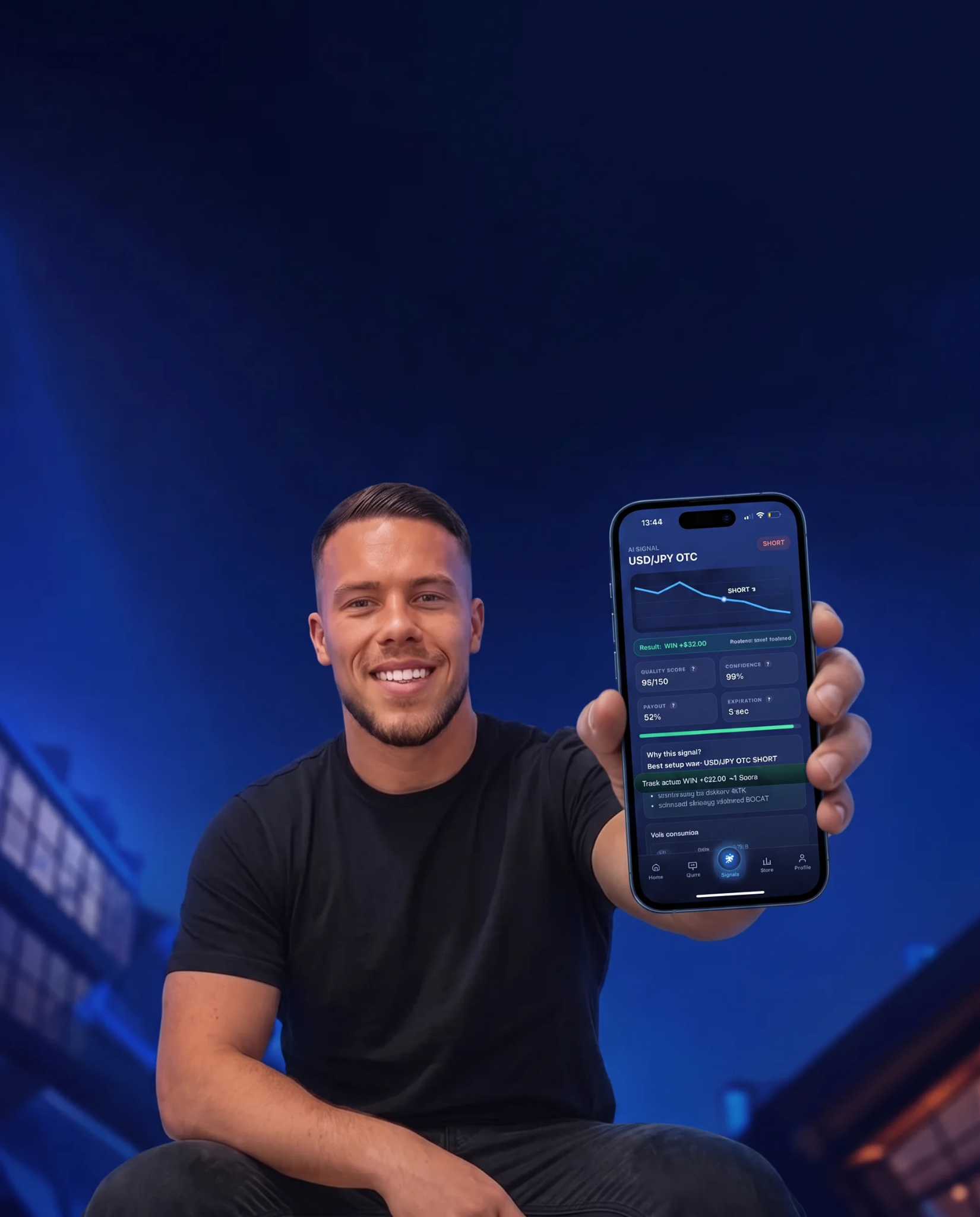
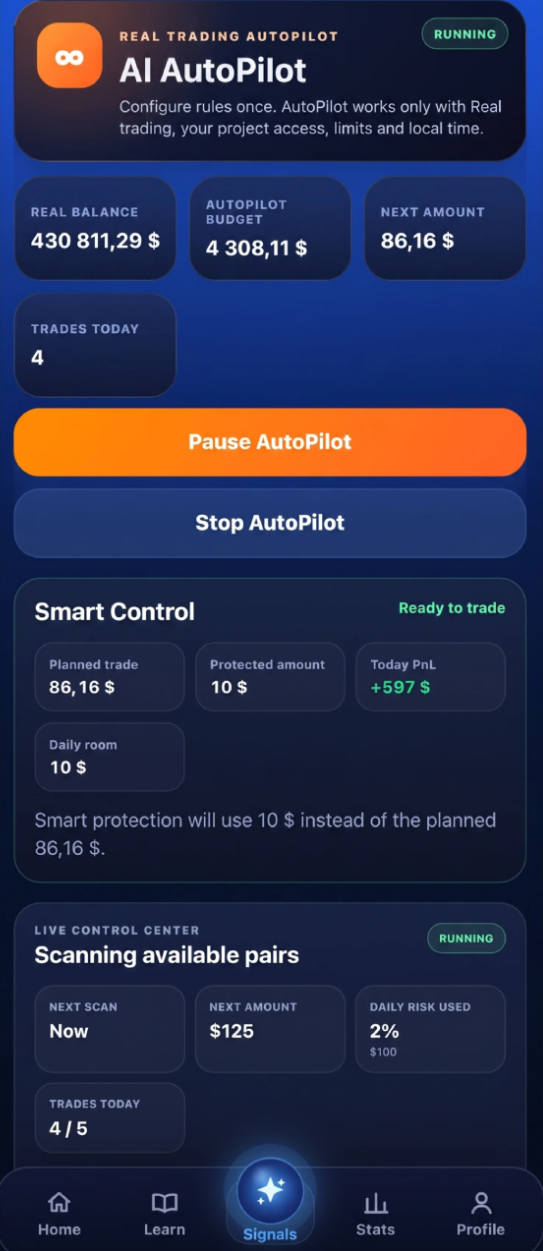
The competitor-style direct response flow stays clean, while TradeLoom Assistant adds real product depth: guidance, controls, learning and performance review.
No separate app-store journey. Every main action leads directly to the Telegram assistant.
Budget logic, amount controls, cooldowns and protection limits are presented in one focused flow.
Users can move between Standard Signals, LoomVision, the Learning Hub, journal and performance screens without losing context.
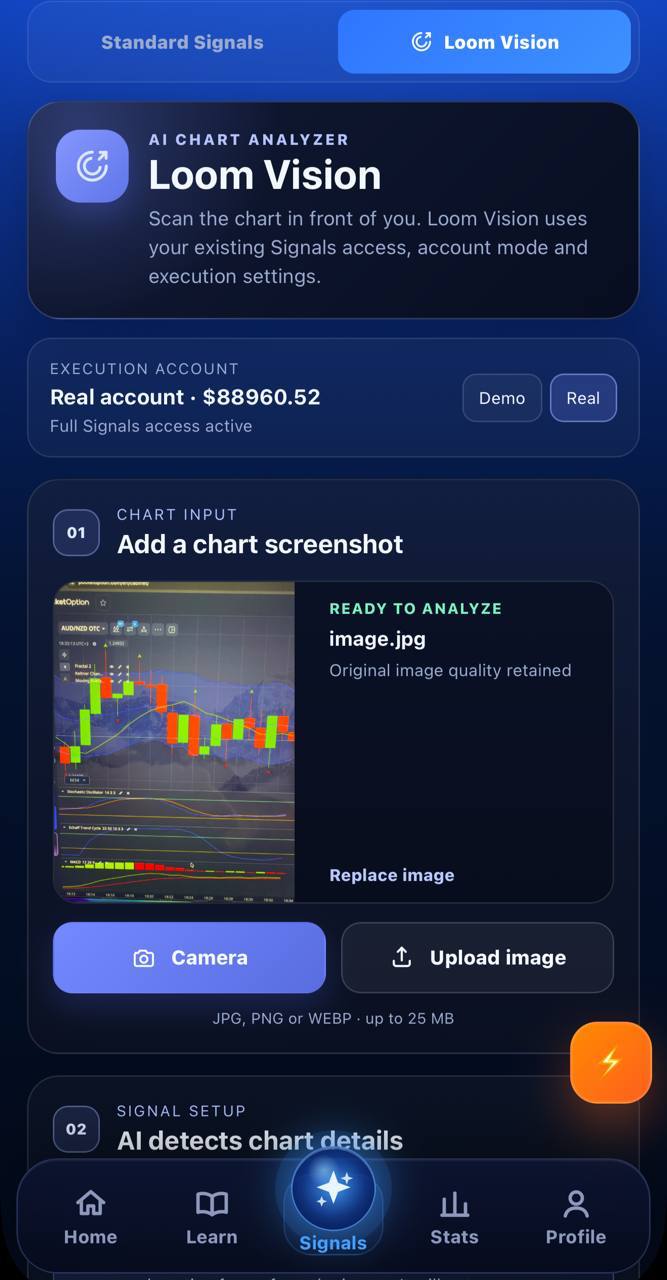
LoomVision lets the user photograph a chart or upload a screenshot directly in the app. The assistant reads the chart details and returns a result without breaking the Telegram workflow.
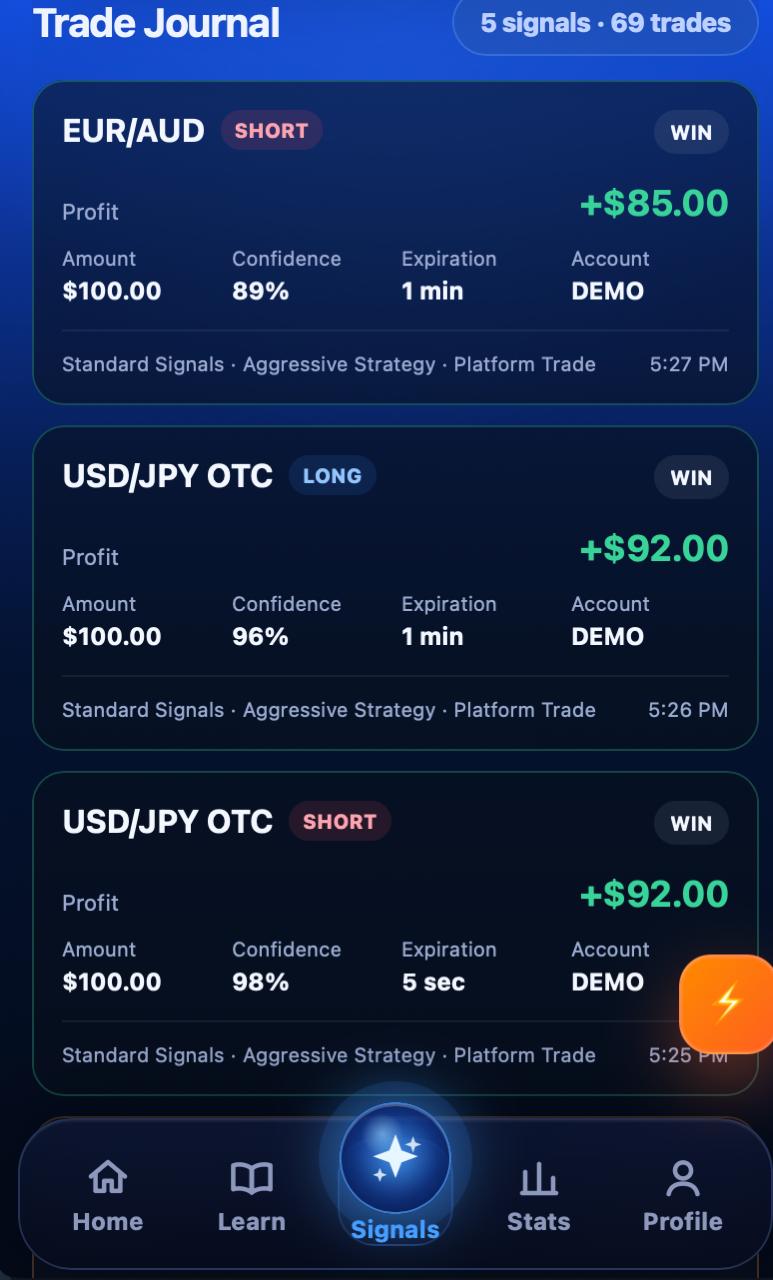
TradeLoom Assistant combines Standard Signals for the regular trading flow, a structured Learning Hub and a clean Trade Journal for reviewing activity.
Standard Signals cover the everyday signal path, while the journal-style view helps review the pair, direction, amount, confidence and result in one clean feed.
Text and video lessons guide new users through the workflow instead of leaving them to figure everything out alone.
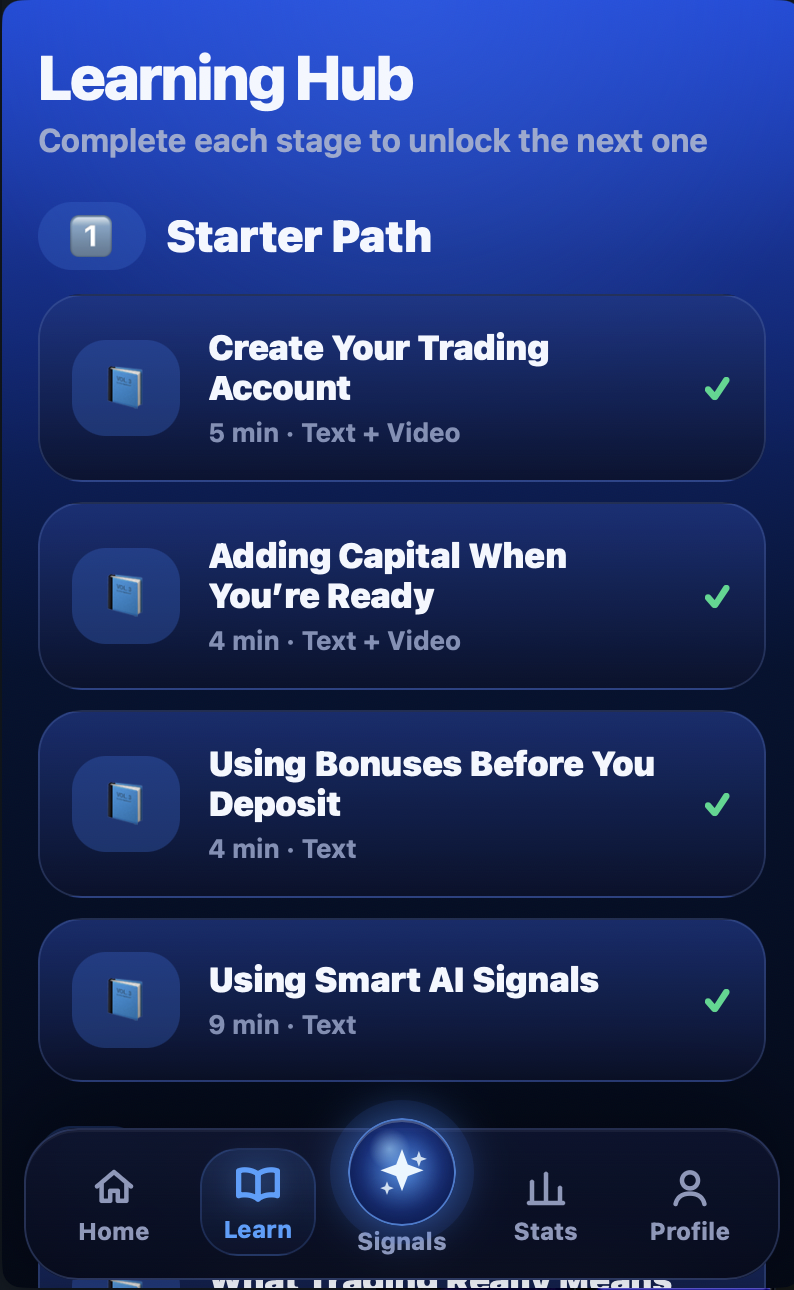
Watch the actual product flow, explore the interface and continue directly to TradeLoom Assistant in Telegram.
Open the Telegram AppThe PnL Calendar appears lower in the story, after the product has been explained. It works as a strong visual recap instead of overwhelming visitors at the top.
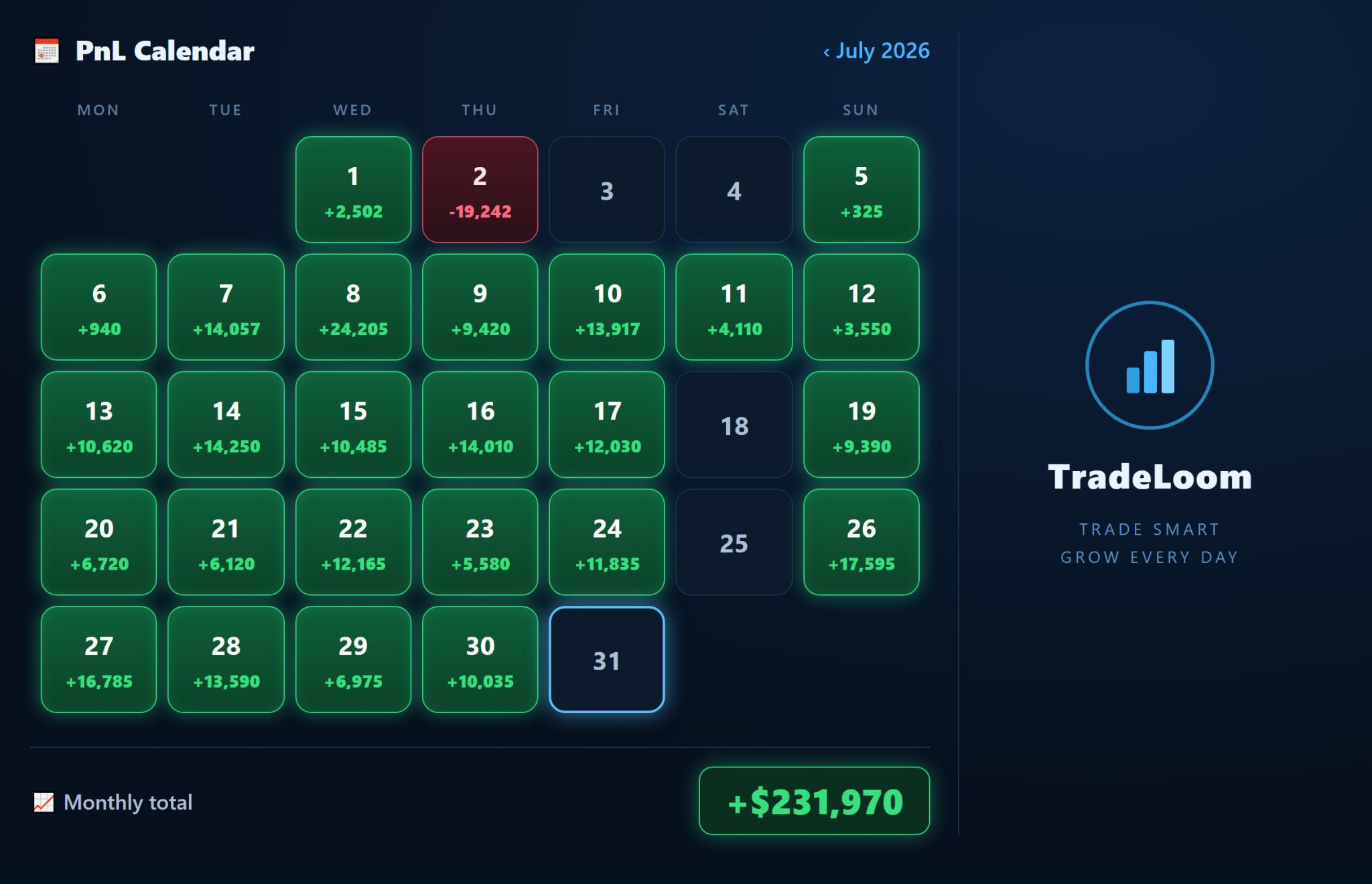
Each video now has a visible preview image, so the review section does not appear as three empty black players.

Explore LoomVision, Standard Signals, the Learning Hub, the product demo and performance screens from one mobile-first assistant.
Get the App